ModelsSigel is the one Wynfall model at public launch, on every plan.Meet Sigel

wynfall

Appearance

Make yourself at home.

Request early access

Your work,
in one window.

Wynfall Desktop is an app for Windows that keeps your chats, files and projects together. Use Sigel, connect the providers you already pay for, or run a model on your own computer.

In early access For Windows
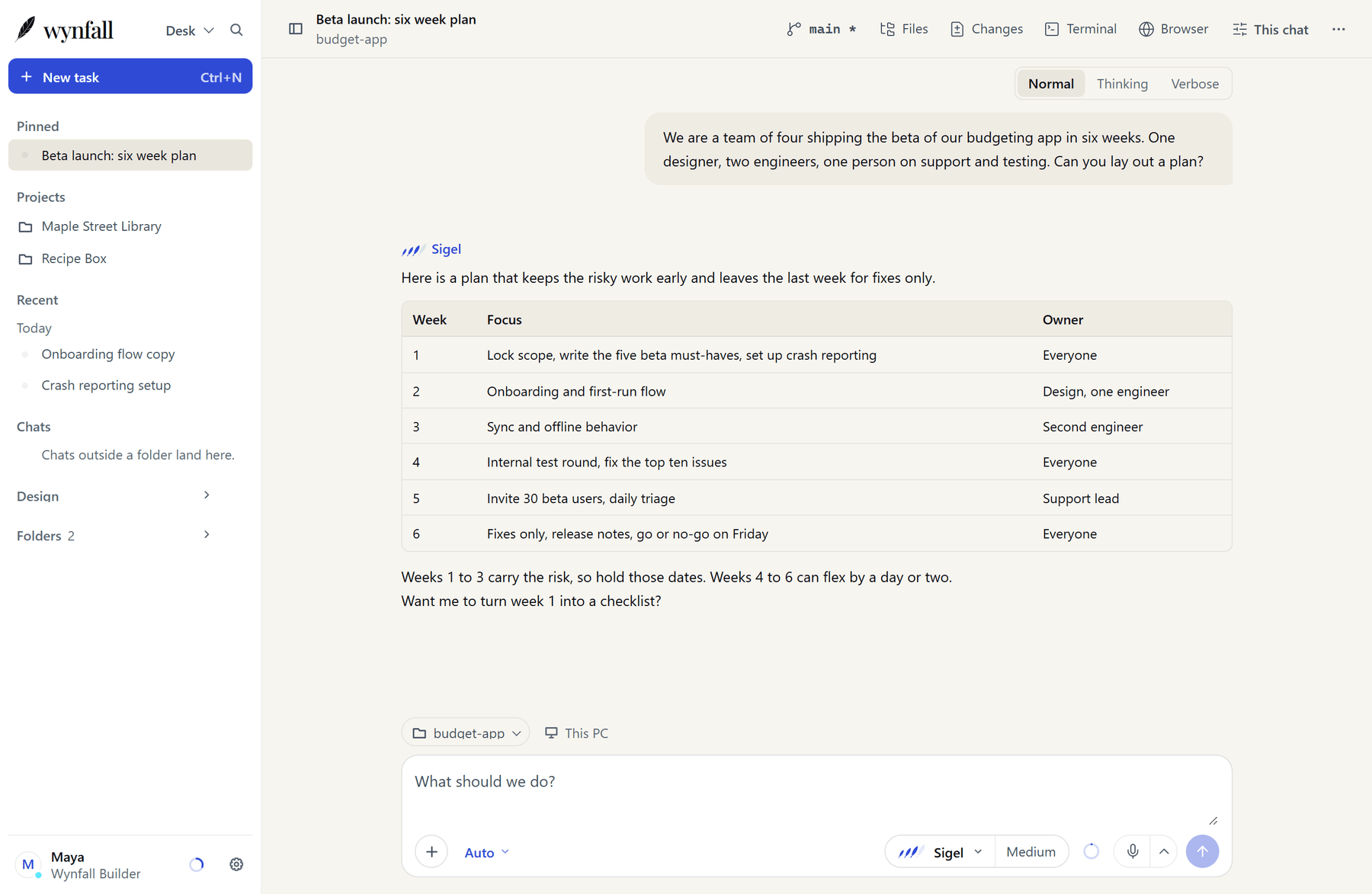
Wynfall Desktop with a chat open. The sidebar lists pinned chats and projects, and Sigel has answered with a six week plan in a table.
Wynfall Desktop for Windows, with Sigel. A demo chat, not a customer's.

Everything for a piece of work, together.

Desktop and Wynfall Code share one workflow: ask, plan, then build.
Projects and pinned chats.
Group related chats into a project, pin the ones you come back to, and keep your folders one click away.
Sessions that hold their place.
Each session keeps its own model, permissions, drafts and attachments. Queue the next message while one runs, and pause the queue whenever you like.
Ask, plan, build.
Talk a problem through, agree a plan, then let it build. You choose per session whether it confirms each change, and destructive commands stay blocked.
Open a folder.
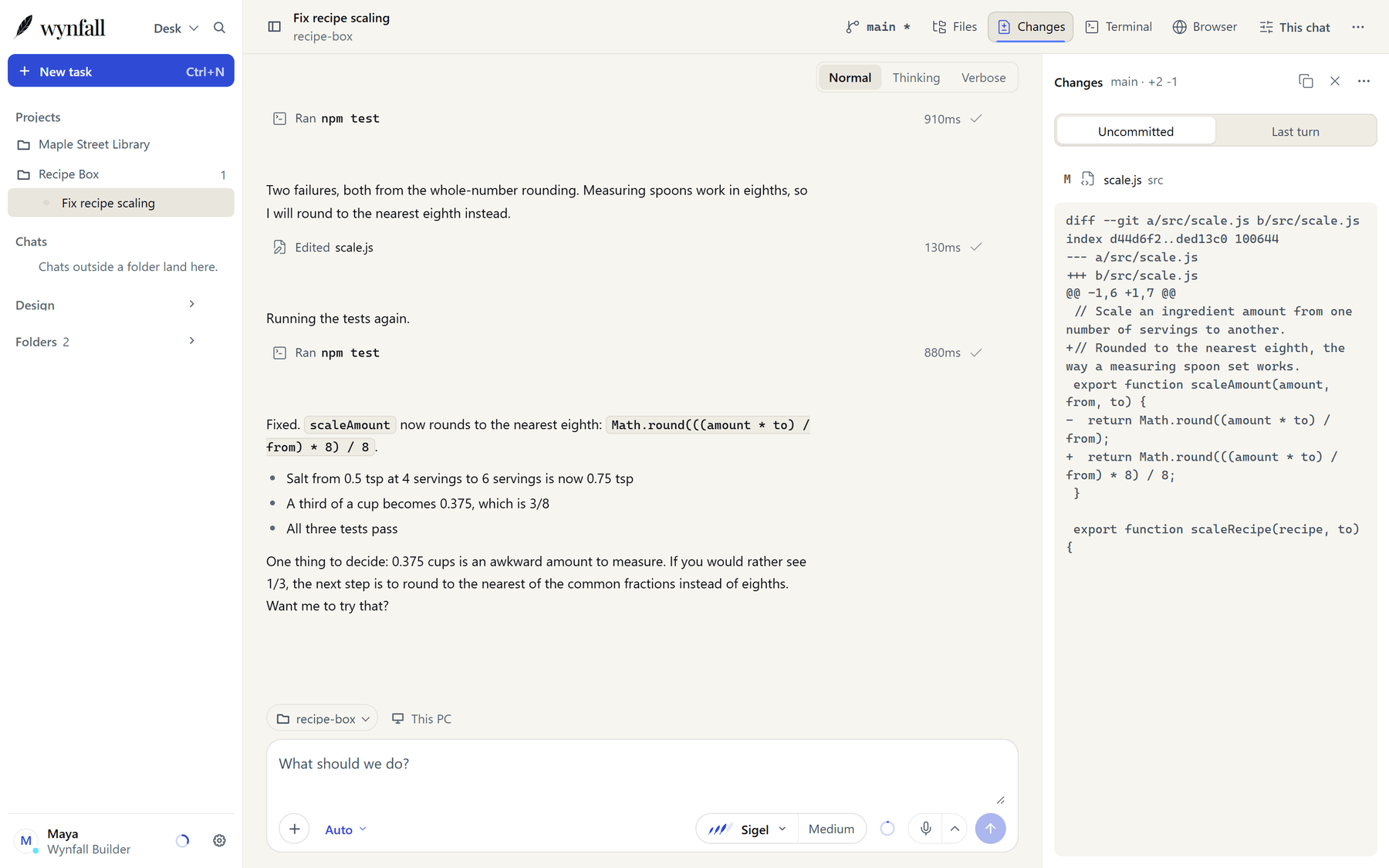
Point a session at a project and it can read files, search and run commands there, inside the permissions you set. The Changes panel shows exactly what changed.
Usage you can read.
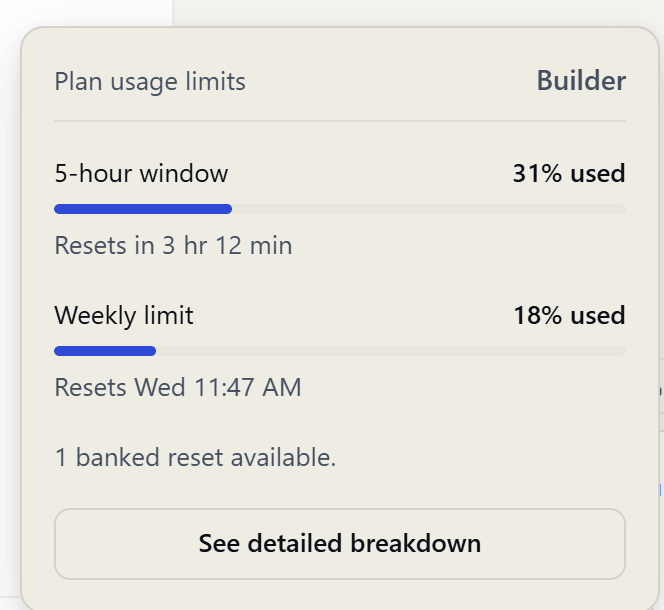
Your five-hour window and weekly limit sit one click from the sidebar, with the time each one resets.
A browser beside the chat.
Open pages next to the conversation, with find and zoom, so the research and the work sit together.

Wynfall Desktop in use

Wynfall Desktop on a small recipe project. The model ran the tests, edited one file and ran them again, and the Changes panel shows the one line that changed.
Code in a folder: the chat on the left, the Changes panel on the right.
The Desktop usage popover for a Builder plan: a five-hour window at 31 percent and a weekly limit at 18 percent, each with the time it resets.
Your limits, one click away.

Pick the model. Pick the effort.

Sigel carries its tier as three feathers, the same mark you see in the app. Effort sets how hard it thinks on a task. Auto leaves that to the model, and you can change the default or set it for one session. More about the models.
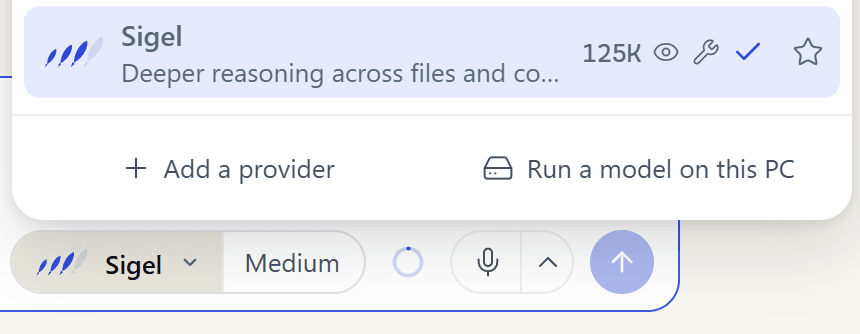
The Desktop model picker open above the composer, with Sigel selected and shown with its feather mark. Effort is set to Medium.
The Desktop model picker.
  • Sigel

    Deeper reasoning

    Deeper reasoning for code, writing and long documents, with up to 262K tokens of context. Effort: Low, Medium, High or Max. New chats start at Medium. On every plan.

Your work is not training data.

When you use Sigel, your messages go to Wynfall's hosted models to answer you. Nothing you give it trains a model, on any plan, Free included, unless you send it to us as feedback.

On your own computer.

Download an open model, or import one you already have, and Desktop runs it on your hardware. You only sign in to Wynfall to use Sigel.

Wynfall models.

Sigel answers under our Terms: no training on your prompts or outputs without that choice.

Your own providers.

Connect an API key and that provider answers under its own terms and billing. Desktop never switches providers on its own.

Read the exact wording in our Terms

Find a model that fits your PC.

Desktop reads your graphics card, memory and free disk space, then helps you find a model that runs well on them, for chat, coding and pictures. Download one, or import a model you already have.

The Find a model panel in Desktop settings, showing the graphics card, memory and free disk space, with tabs for Chat, Coding, Images, Edit pictures and Upscale.
Find a model: Desktop reads your hardware and helps you pick one that fits.

Design: pictures from a description.

Describe a picture and Design makes it on your own PC, then edits, enlarges and exports it. It is one free download, and nothing you make leaves the PC. Pictures and pages are in Design today; video, 3D and audio are coming later, with no date.
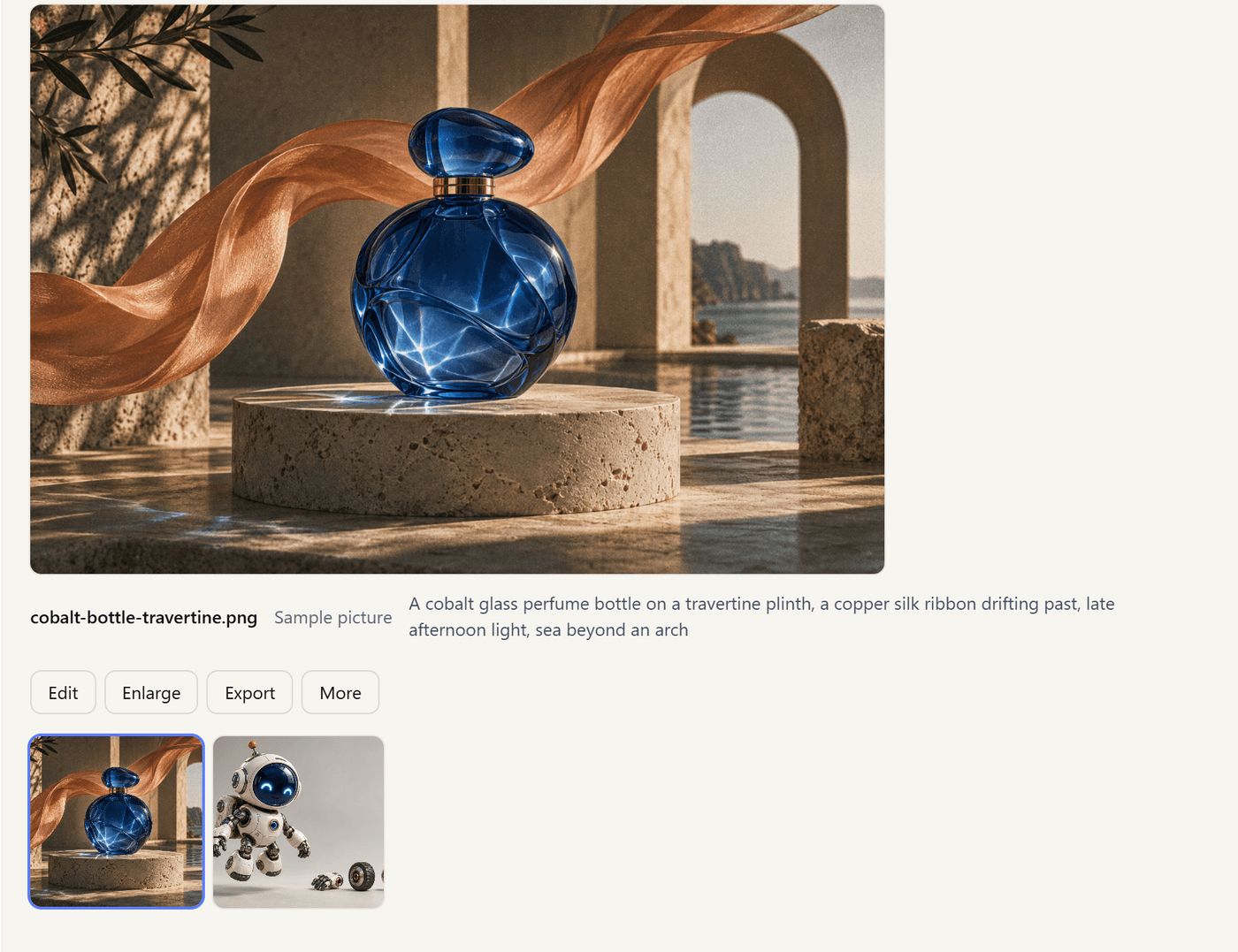
The Design screen showing a large picture of a blue glass bottle on a stone plinth, with a thumbnail row below and buttons to edit, enlarge and export.
Sample pictures in the Design gallery.

Works with what you already use.

Wynfall models come first, and they are never the only option.

Your own API keys.
Connect the major AI providers, or any compatible endpoint. Keys stay in Desktop, and charges go to that provider.
Connectors (MCP).
Add MCP servers and connect GitHub so a session can reach the tools you already use. Wynfall Code reads the same connector list.
Your own skills.
Skills teach a session how you like a kind of work done. Add your own and Desktop uses them when they fit.
Built for Windows.
Desktop is a Windows app with Light, Dark and System themes. It shares provider connections with Wynfall Code.

Request early access.

Downloads work only for accounts that have been let in: if you are in, sign in and use the download page. See the plans and how Wynfall is different.

We let people in by hand, in waves. Once you are in: 7 days of Builder free, no card.